

If you’ve ever searched for an old invoice, tried to remember when your last service visit happened, or wondered how to pay a bill online, you’re not alone. Keeping track of home service records across emails, paper invoices, and phone calls can quickly become frustrating.
At Eco Plumbers, Electricians, and HVAC Technicians, customers frequently ask how they can view invoices, check service history, or confirm upcoming appointments online.
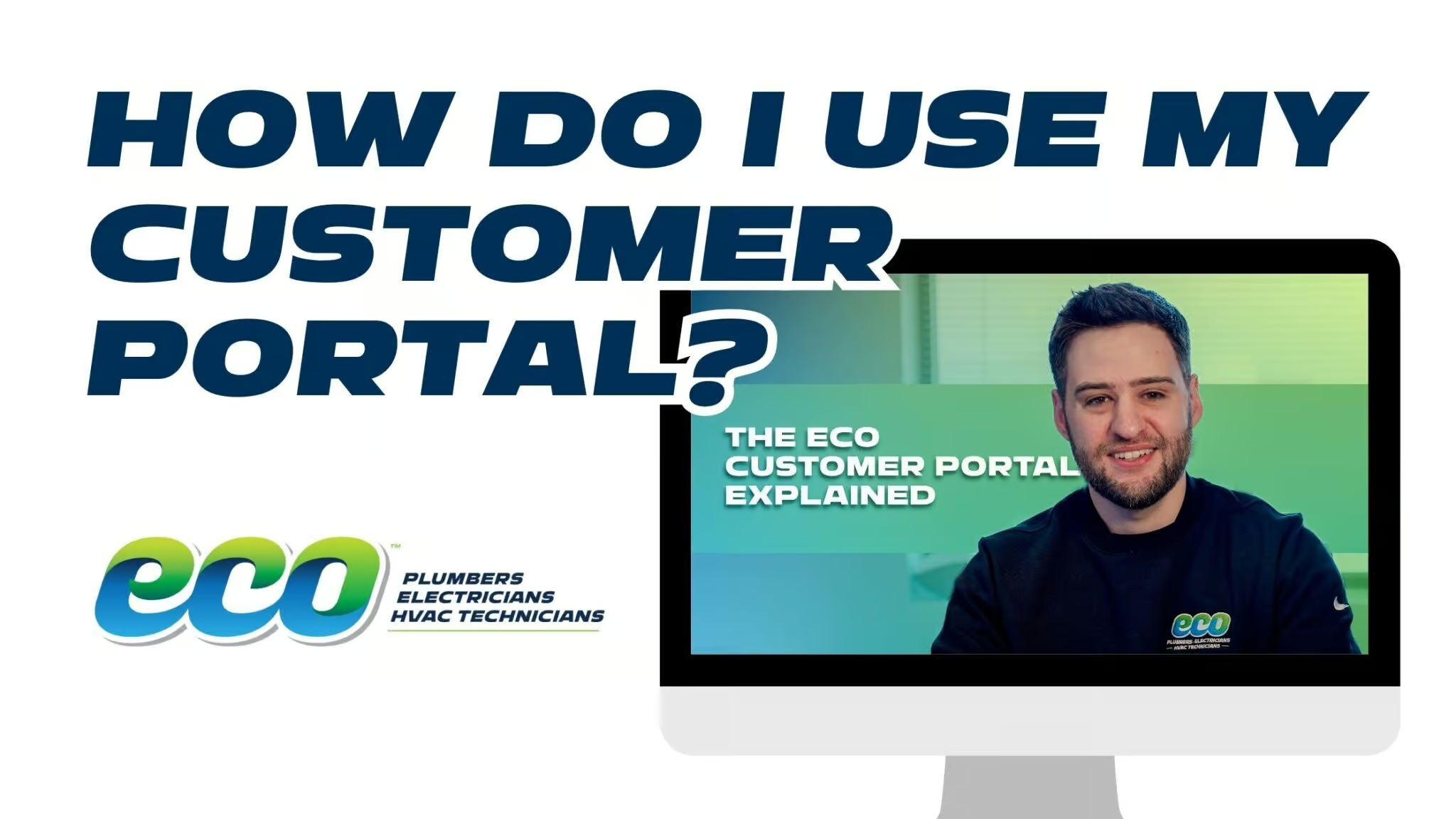
That’s exactly what the Eco Customer Portal is designed to do. In this guide, you’ll learn what the portal is, how to log in or sign up, and how to use it to pay invoices, review past jobs, accept estimates, and manage your account anytime, all in one place.
What Is The Eco Customer Portal?
The Eco Customer Portal is a secure online dashboard that lets you manage everything related to your home service account in one convenient place.
Instead of digging through email threads or calling the office for updates, the portal gives you instant access to important account information, including:
- Invoices and payments
- Service history
- Estimates and proposals
- Upcoming appointments
- Service agreements or memberships
- Equipment information
Think of it as your personal online record of every interaction you’ve had with Eco. You can log in anytime to check details about past work, upcoming visits, or outstanding invoices. And because the portal is online, it’s available 24 hours a day, 7 days a week.
How to Access the Eco Customer Portal
Getting started with the Eco Customer Portal is simple. Most customers access it in one of two ways: through a direct portal link or from an invoice email.
Use the Portal Link
Eco provides a direct portal link that takes you straight to the login page through an email from our team. Once you open the page, you can log in using the email address associated with your Eco account.
Access It From an Invoice Email
Another common way customers access the portal is through an invoice email.
After a service visit, Eco sends an invoice by email that typically includes a secure payment link. Clicking that link will take you directly to the portal, where you can review the invoice details and pay your bill online.
This makes it easy to access your account without needing to search for the portal separately.
How to Sign Up for the Customer Portal
If you’ve never logged into the Eco Customer Portal before, you’ll need to create your account first. The process only takes a few minutes.
Here’s how to get started:
- Go to the Customer Portal login page.
- Click “Request an Invitation.”
- Enter the email address you use for Eco appointments and invoices.
- Check your inbox for a confirmation email.
- Follow the instructions in the email to create your password and activate your account.
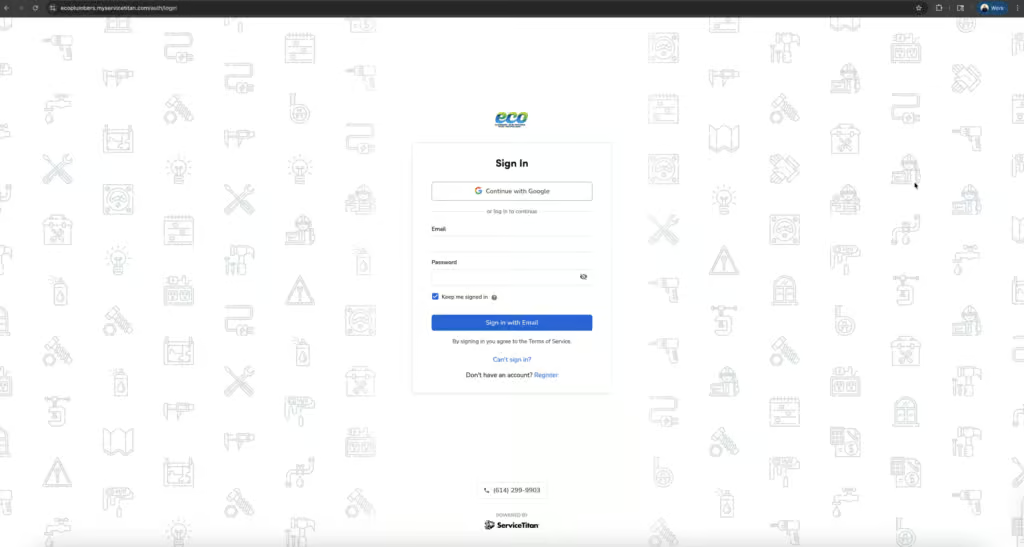
Once your account is set up, you’ll be able to log in anytime to access your invoices, appointments, service history, and more.
Important: Be sure to use the same email address Eco has on file for your account. If you use a different email, the system may not be able to locate your information.
What You Can Do Inside the Customer Portal
Once you log into the Eco Customer Portal, you’ll see several sections that help you manage your account and view important information about your home services. Each section gives you access to different parts of your service history and account details.
Here are the most common features customers use:
View and Pay Invoices Online
One of the most popular features of the portal is the ability to view and pay invoices online.
In the “Invoices” section, you can see any unpaid invoices, review invoice details, and access secure payment options.
Instead of searching through old emails for payment links, everything appears in one convenient place. You can quickly and securely pay your bill using a credit card, debit card, or bank account directly from your browser.
This makes it easy to review your invoice and take care of payment in just a few minutes.
View Your Service History
The portal also stores your complete service history.
Inside the “Jobs” section, you can review what services were performed at your home, when technicians visited, and summaries of related invoices.
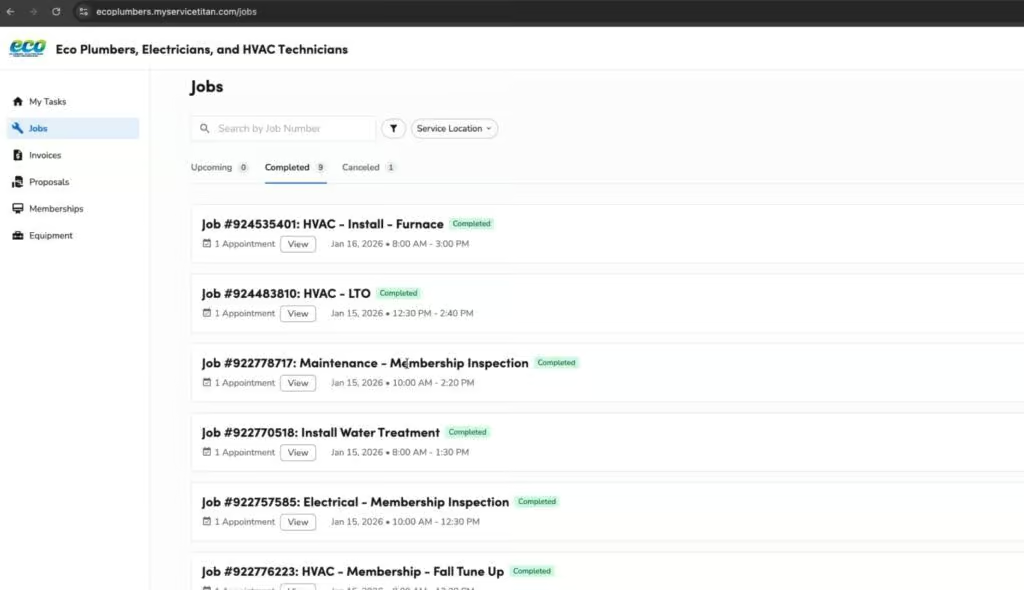
This feature is helpful if you want to track maintenance work, check when a repair was completed, or keep records for warranty purposes.
Instead of digging through paper receipts or old emails, your entire service history is organized in one place.
Review and Accept Estimates
If Eco sends you an estimate for future work, you can review and approve it directly in the portal.
In the “Proposals” section, you can see the scope of work that was quoted, review the estimate details, and accept the proposal digitally.
Many customers appreciate this feature because it speeds up scheduling and eliminates the need for paperwork. Once you approve an estimate online, the office can move forward with scheduling your service.
Check Upcoming Appointments
The portal also makes it easy to stay informed about upcoming service visits.
Within the “Jobs” section, you can see scheduled service dates, appointment details, and other job information. If you’re ever unsure about when your technician is expected to arrive, this is the quickest place to check.
Some customers may also see unscheduled visits connected to memberships or service agreements, which can be scheduled with a quick call to the office or by scheduling online.
Manage Memberships
If you’re enrolled in our EcoFi Advantage Membership, you can review and manage it directly in the portal.
In the “Memberships” section, you can view what services are included, see upcoming maintenance visits, check renewal information, and update payment details if needed.
This gives you full visibility into the benefits included with your membership.
View Equipment Information
The portal can also store important information about equipment installed in your home.
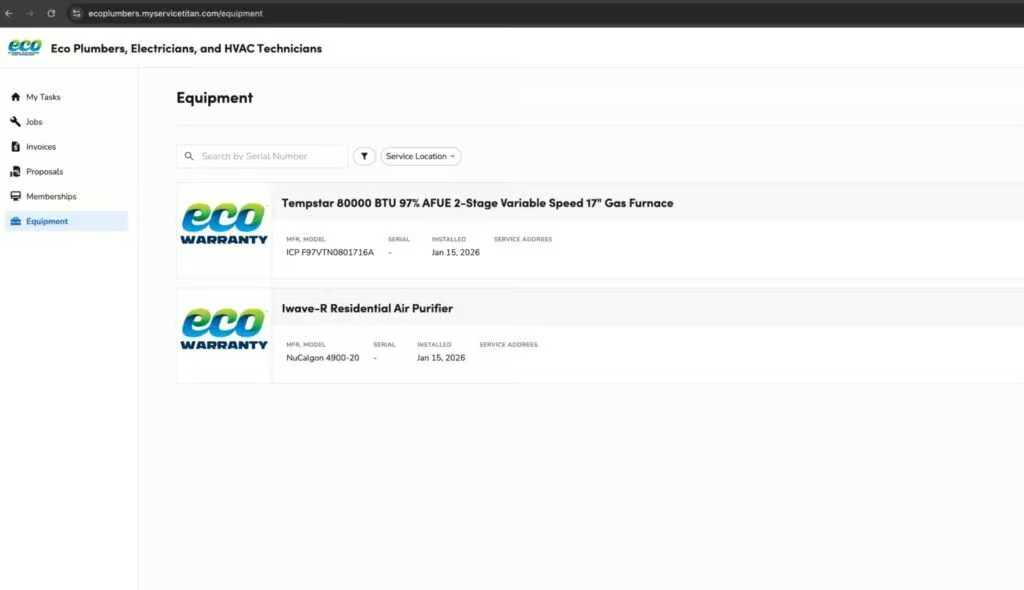
In the “Equipment” section, you may find details such as the manufacturer’s name, model number, installation date, warranty information, and related service history. This can be especially useful if you want to track the lifespan and maintenance history of systems like your HVAC unit or water heater.
Having this information easily accessible can also help when scheduling repairs, filing warranty claims, or planning equipment replacements.
Tips for Using the Customer Portal Efficiently
Once you’ve created your Eco Customer Portal account, a few simple habits can make it even easier to use and help you stay organized.
Bookmark the Portal Page
Saving the portal page in your browser allows you to access your account instantly without needing to search for the link each time.
Save It to Your Phone’s Home Screen
Many customers also choose to add the portal to their phone’s home screen. This allows it to function almost like an app, making it quick and convenient to check your account from your mobile device.
Check It After Each Service Visit
After a service appointment, it’s helpful to log in and review the details of your visit. Inside the portal, you can quickly review your invoice, pay your bill, and check the job details associated with the service.
Doing this regularly helps keep your home service records organized and easy to find whenever you need them.
Why the Eco Customer Portal Is Worth Using
If you’ve ever struggled to track invoices, find service records, or confirm an upcoming appointment, the Eco Customer Portal is designed to make those tasks simple. Instead of relying on emails, paperwork, or phone calls, you can log in anytime to view invoices, review past work, accept estimates, check appointments, manage memberships, and see equipment details all in one place.
Keeping track of home services over time can become confusing, especially when information is spread across different emails, invoices, and records. Now that you know how the portal works, your next step is to log in or request an invitation to the Eco Customer Portal so you can start managing your account online. At Eco Plumbers, Electricians, and HVAC Technicians, our goal is to make home services more transparent, organized, and convenient for you. If you ever have trouble accessing the portal or setting up your account, our team is always happy to help you get started.